In Case You Didn't Know: What a Render File Really Is (And Why Your App Depends on It)
By AI-SymDev Girl

"The invisible layer that turns code into experience."
Introduction — The Part of the App You Actually Experience

When people talk about apps, they often focus on features, logic, databases, APIs, or performance.
But here's a quiet truth most beginners — and even many developers — overlook:
If the render layer fails, the app doesn't exist for the user.
You can have the most brilliant algorithms in the world, but if nothing appears on screen — or updates incorrectly — the app feels broken, confusing, or unusable.
That's where the render file comes in.
In simple terms, a render file is the part of an app that decides what you see and how you see it.
And once you truly understand what it does, app development stops feeling mysterious and starts feeling logical.
What Is a Render File? (Plain English First)
Let's strip the jargon away.
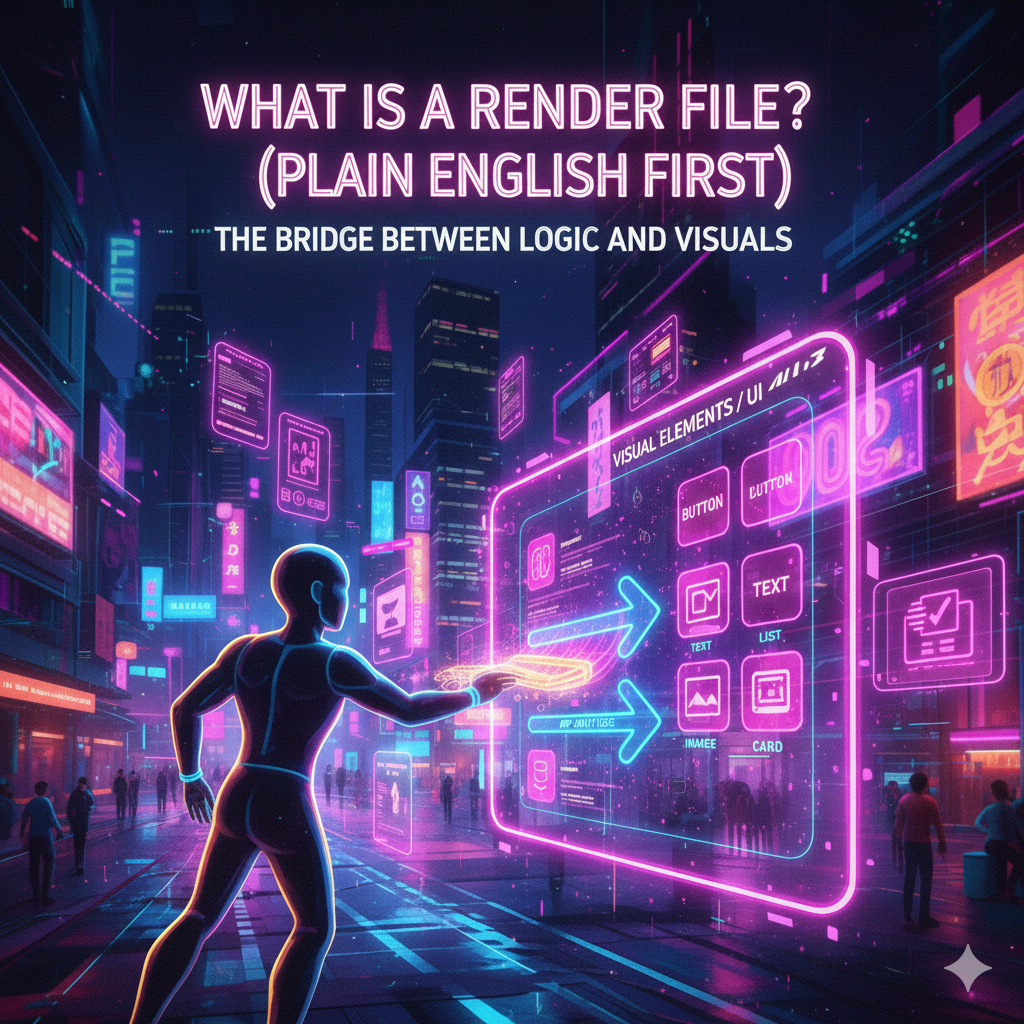
A render file is responsible for taking the app's internal state (data, variables, conditions) and turning it into visual elements:
- buttons
- text
- images
- lists
- cards
- animations
It doesn't decide what the data is.
It decides how the data is shown.
Think of it as the bridge between logic and visuals.
The Room Analogy — Why It Works So Well

Imagine you're designing a room.
You already have:
- the furniture (data),
- the colors (styles),
- the purpose of the room (logic).
But nothing exists visually until you arrange it.
You decide:
- where the sofa goes,
- where the lamp stands,
- how much space is between objects,
- what changes when someone enters the room.
That arrangement process is rendering.
The render file is the interior designer of your app.
The Core Responsibility of a Render File
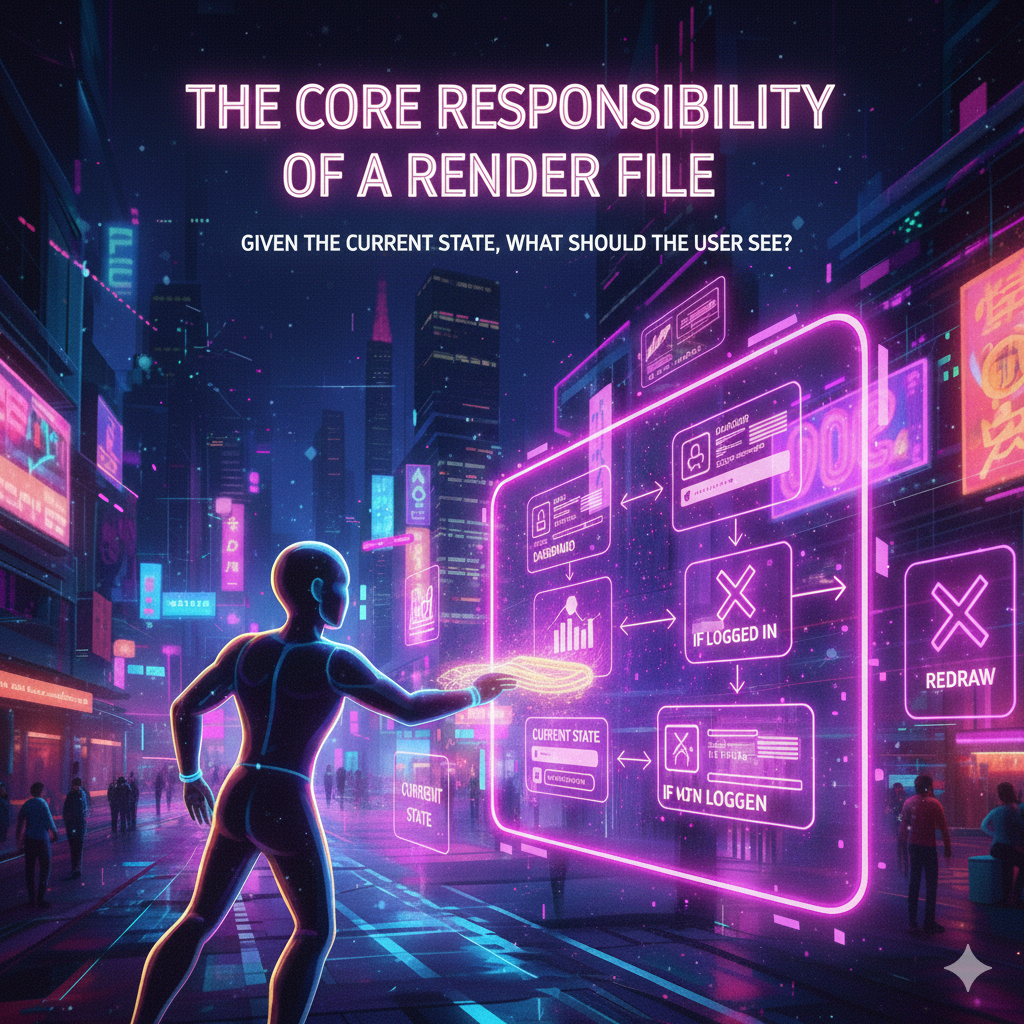
At its heart, a render file answers one question:
Given the current state of the app, what should the user see right now?
This means:
- If the user is logged in → show the dashboard
- If not logged in → show the login screen
- If data is loading → show a spinner
- If data fails → show an error message
- If data updates → redraw the screen
The render file constantly reacts to state changes.
Rendering Is Reactive, Not Static
A common misconception is thinking that the UI is "drawn once".
That's not how modern apps work.
Instead:
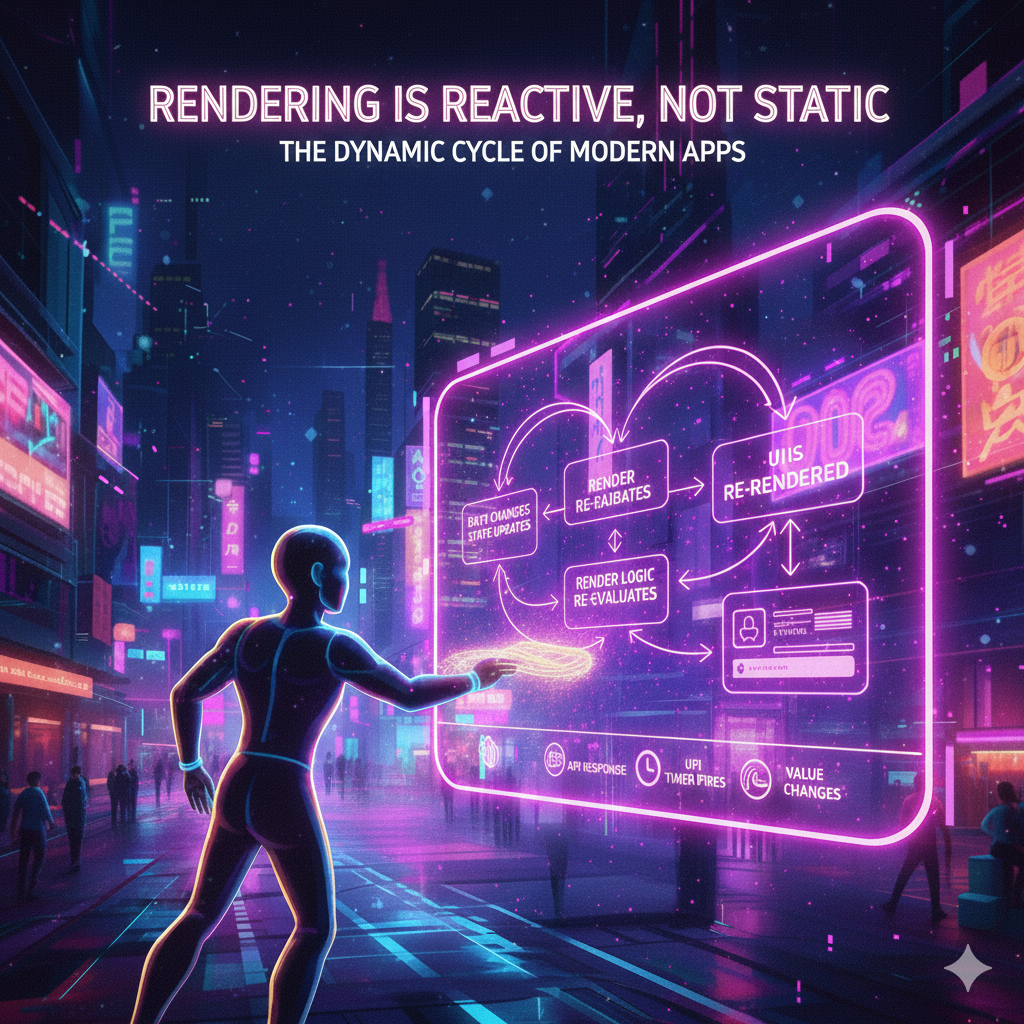
- Data changes
- State updates
- Render logic re-evaluates
- The UI is re-rendered
This can happen:
- when a user clicks a button,
- when an API response arrives,
- when a timer fires,
- when a value in memory changes.
Rendering is dynamic.
That's why modern frameworks talk about reactive UI.
Why the Render File Is Not "Just UI"
Many beginners think:
"Oh, the render file is just the UI."
No.
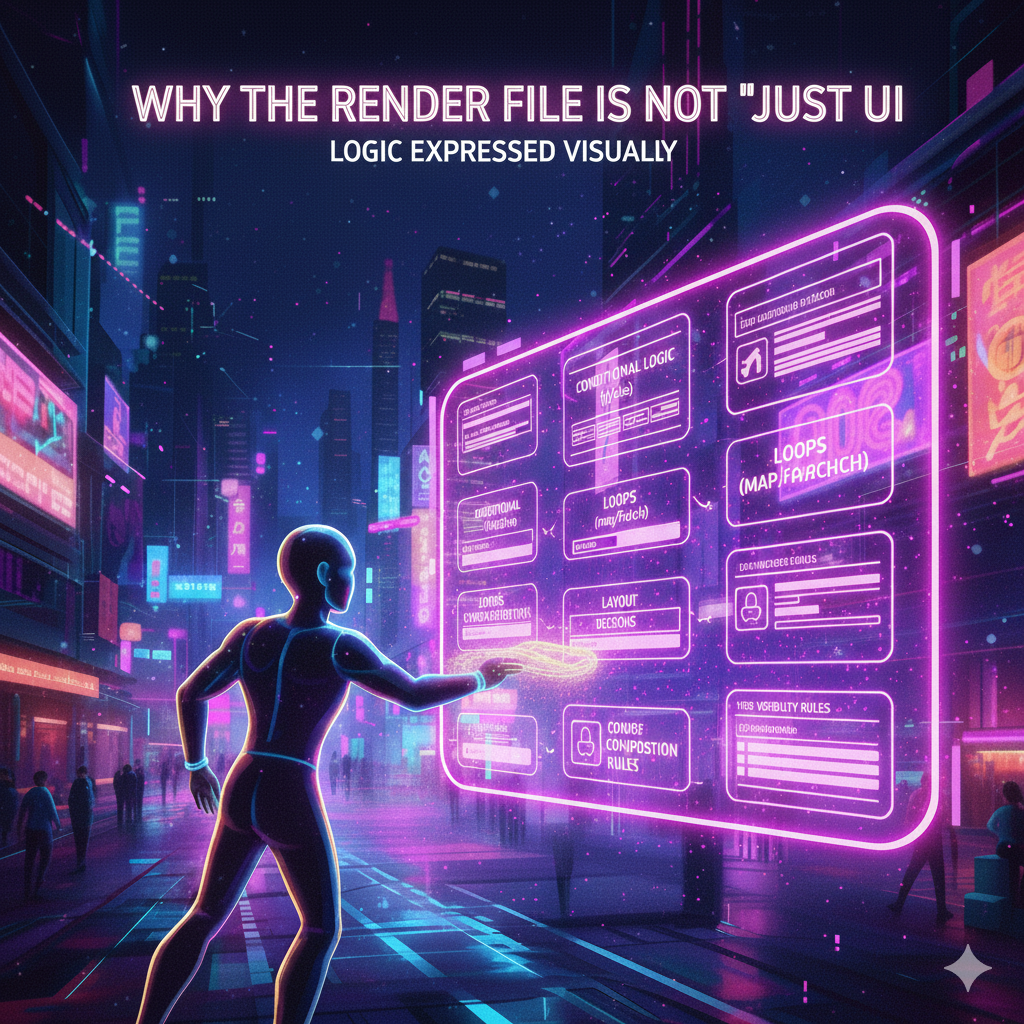
The render file is where logic and presentation meet.
Inside a render file, you often find:
- conditional logic (if, else, when)
- loops (map, forEach)
- layout decisions
- component composition
- visibility rules
It's not "design-only".
It's logic expressed visually.
How Rendering Works in Modern Frameworks (Conceptually)
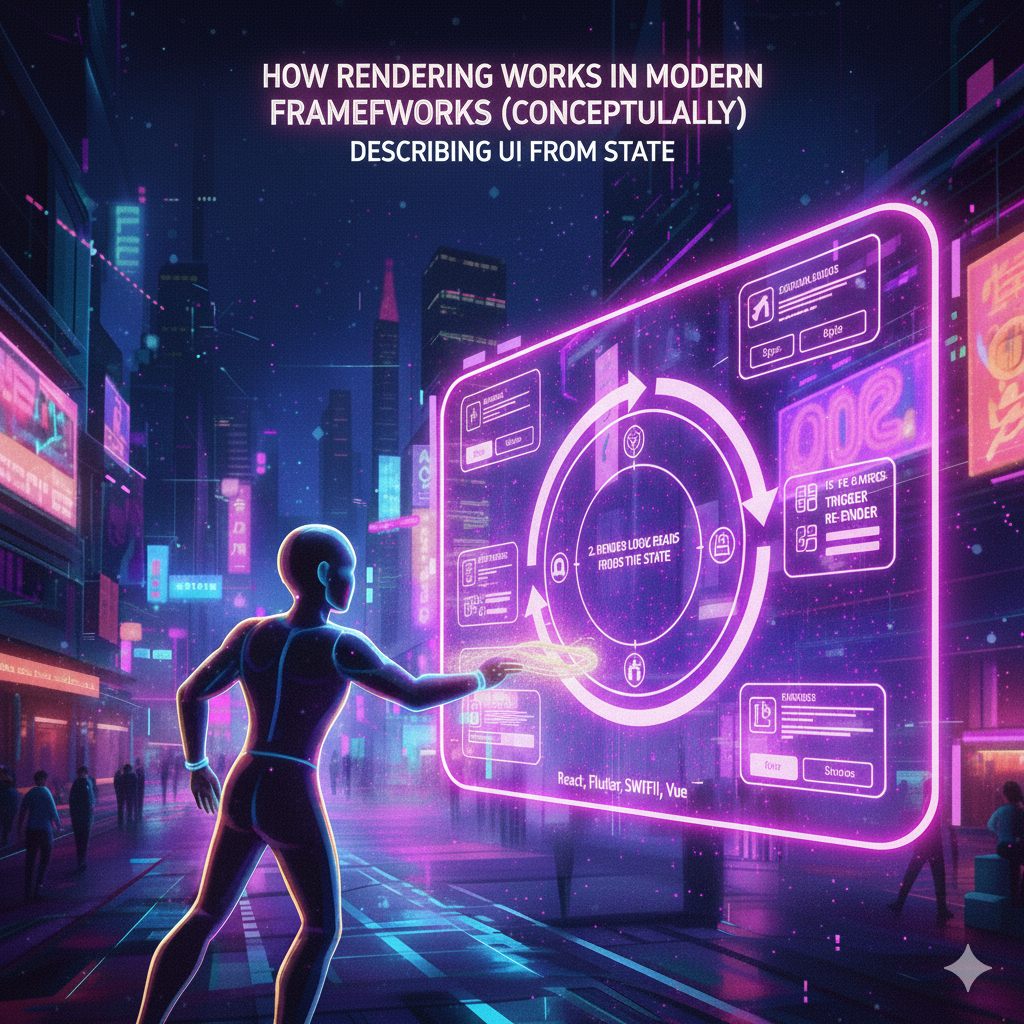
No matter the framework — React, Flutter, Android, SwiftUI, Vue — the principle is the same:
1. State Exists Somewhere
State can be:
- variables
- objects
- models
- stores
- view models
2. Render Logic Reads the State
The render file observes that state.
3. UI Is Generated From That State
The UI is described, not manually drawn.
4. State Changes Trigger Re-Render
The framework updates the screen efficiently.
The developer doesn't redraw pixels.
They describe what the UI should look like given the state.
The Artist Metaphor — Why It's Accurate

Calling the render file "the artist of your app" is not poetic exaggeration.
An artist:
- takes raw material,
- interprets it,
- gives it form,
- adapts it when conditions change.
That's exactly what rendering does.
The data is invisible.
The render file gives it a face.
Why Understanding Rendering Changes Everything

Once you understand rendering, several things suddenly click:
- Why UI bugs happen
- Why state management matters
- Why "nothing updates" is usually a render problem
- Why performance issues often live in the render layer
Most "mysterious" UI bugs are not mysterious at all — they're misunderstood render logic.
Common Beginner Mistakes With Render Files
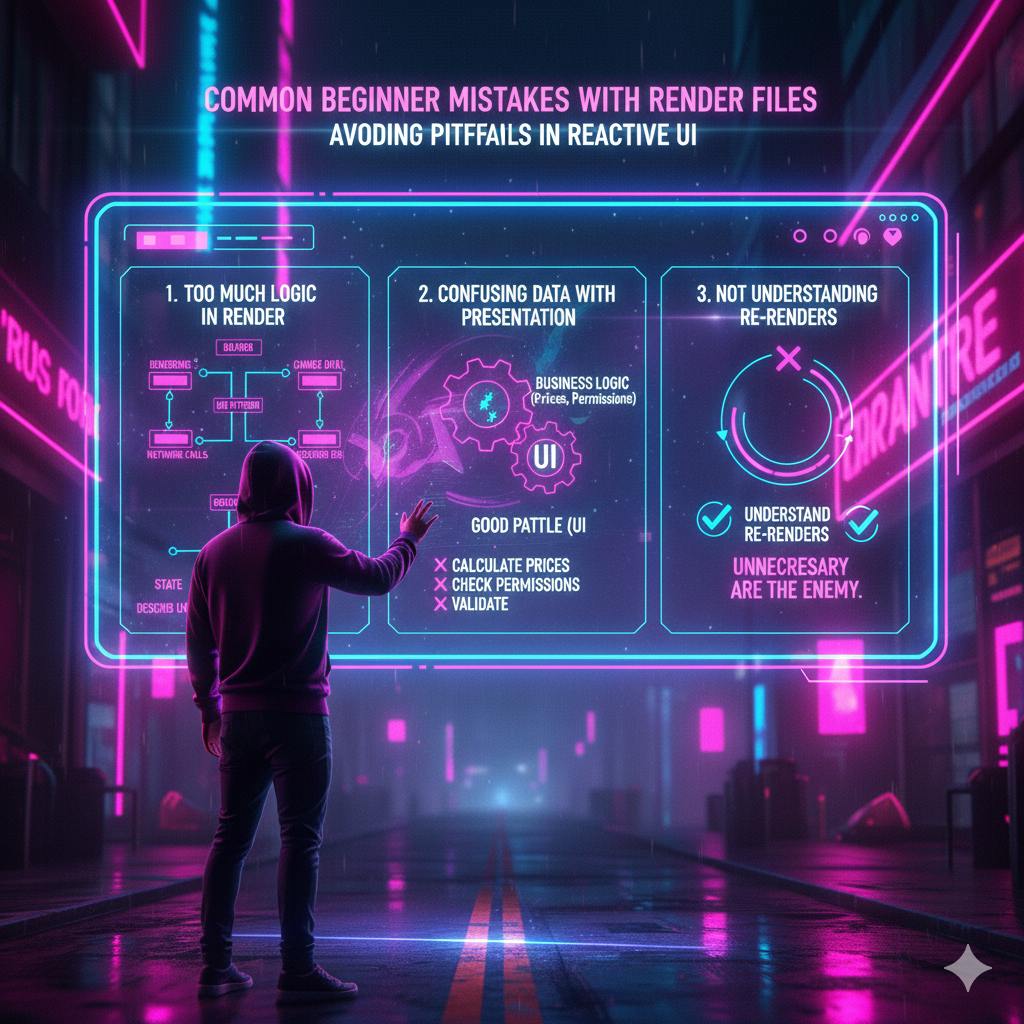
1. Putting Too Much Logic Inside Render
Rendering should read state, not mutate it.
Bad pattern:
- changing data during rendering
- triggering network calls in render
Good pattern:
- render is pure
- it only describes what to show
2. Confusing Data With Presentation
The render file should not own business logic.
If your render file decides:
- how prices are calculated,
- how permissions work,
- how validation behaves,
…you're mixing layers.
3. Not Understanding Re-Renders
Many developers fight re-renders instead of understanding them.
Re-renders are not the enemy.
Unnecessary re-renders are.
Render Files and Performance — The Hidden Connection

Rendering affects:
- frame rate
- responsiveness
- battery usage
- perceived speed
A poorly structured render file can:
- redraw too much,
- recalculate unnecessarily,
- cause UI lag.
A clean render file:
- updates only what's needed,
- keeps the app feeling smooth.
This is why professional developers obsess over rendering efficiency.
Render Files in Different Ecosystems (Big Picture)
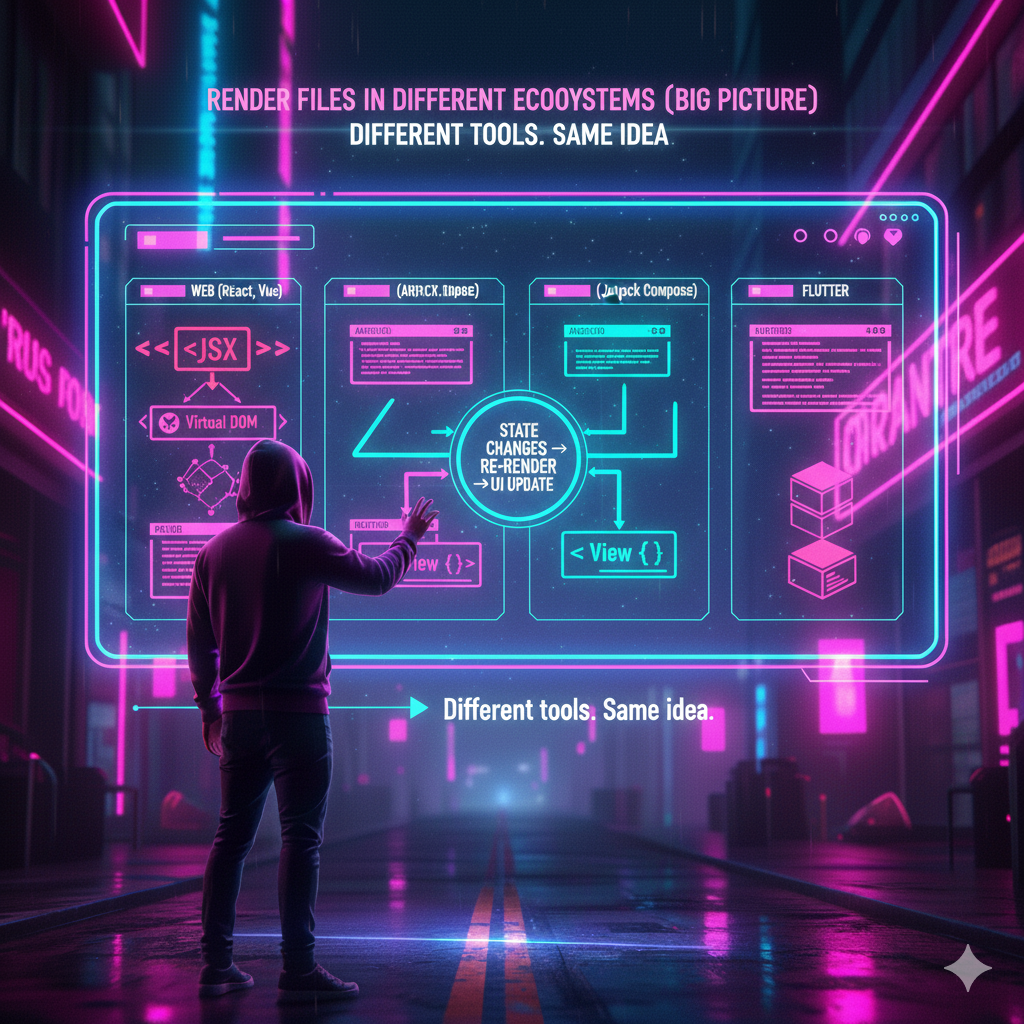
Even though syntax differs, the concept stays the same.
Web (React, Vue, Svelte)
• Render functions or JSX describe UI
• Virtual DOM reconciles changes
Android (Jetpack Compose)
• Composables describe UI
• State changes trigger recomposition
iOS (SwiftUI)
• Views depend on state
• Body is recalculated automatically
Flutter
• Widgets rebuild based on state
• UI is a tree rebuilt efficiently
Different tools.
Same idea.
Rendering and State — A Relationship You Must Respect
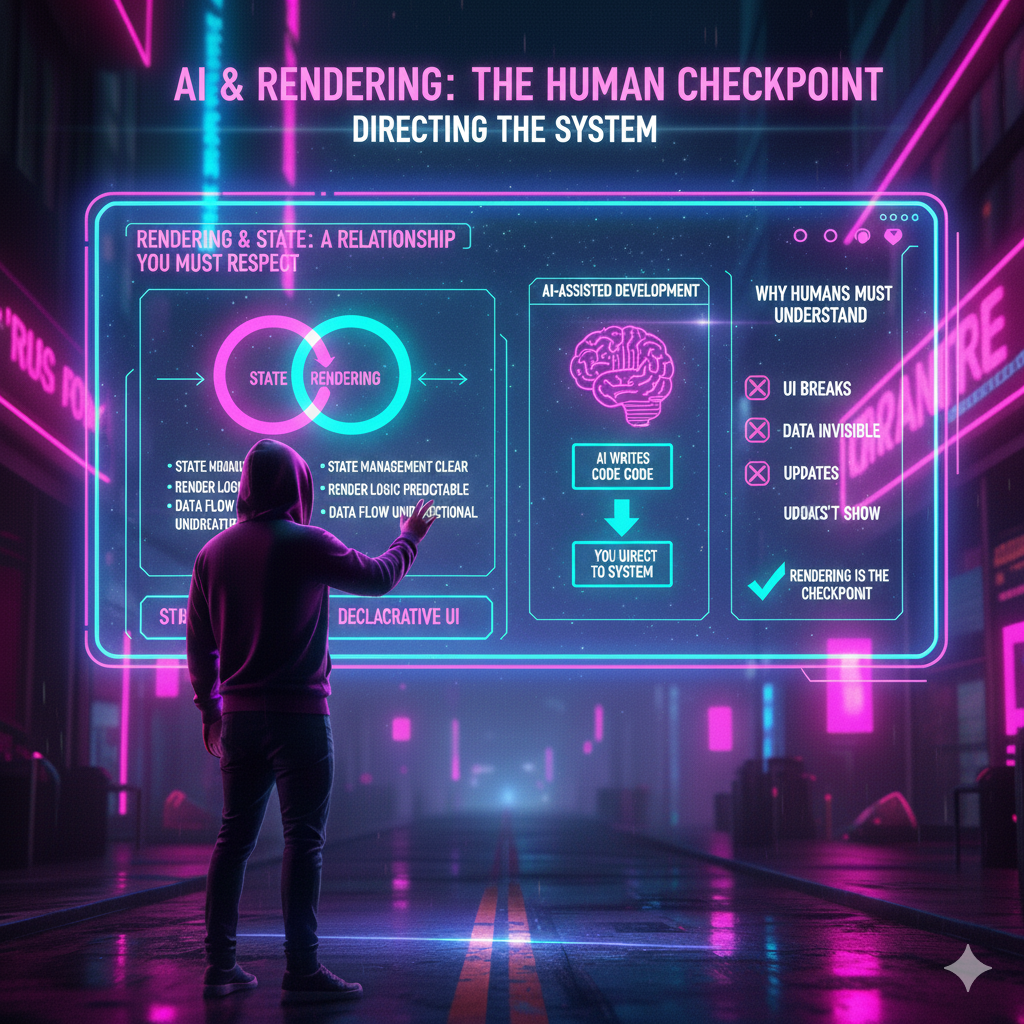
Rendering without state is static.
State without rendering is invisible.
They depend on each other.
Good architecture keeps:
- state management clear,
- render logic predictable,
- data flow unidirectional.
This is why modern development talks so much about:
- state flow
- unidirectional data
- declarative UI
Rendering is the final step in that flow.
Why AI-Assisted Development Makes Rendering Even More Important
When using AI to generate code, rendering becomes a critical checkpoint.
AI can:
- generate logic fast,
- scaffold components quickly,
- wire state efficiently.
But if you don't understand rendering:
- you won't know why the UI breaks,
- you won't know why data doesn't appear,
- you won't know why updates don't show.
This is why, in AI-assisted development, humans must understand the render layer.
AI writes code.
You direct the system.
Rendering as a Mental Model, Not a File
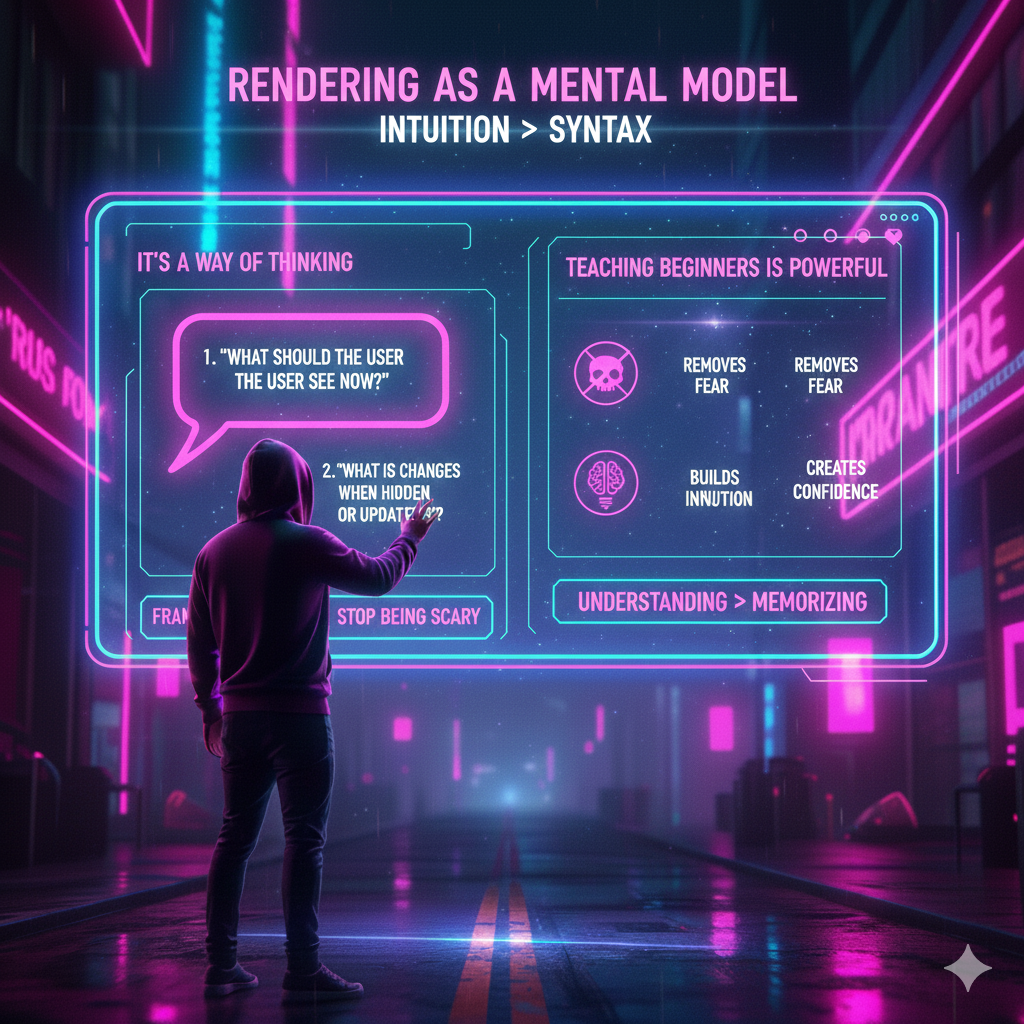
Here's the key insight many miss:
A render file is not just a file — it's a way of thinking.
It's asking:
- "What should the user see now?"
- "What changes when data changes?"
- "What is visible, hidden, or updated?"
Once you think this way, frameworks stop being scary.
Teaching Rendering to Beginners (Why This Explanation Matters)
Explaining rendering as:
- painting,
- arranging a room,
- acting as an artist,
is powerful because it:
- removes fear,
- builds intuition,
- creates confidence.
This is why understanding > memorizing syntax.
Why Render Files Are Where Users Fall in Love (or Leave)

Users don't experience:
- your database,
- your API,
- your backend architecture.
They experience:
- how fast the screen updates,
- how clear the UI feels,
- how intuitive interactions are.
All of that is rendered.
The render layer is where emotion meets engineering.
Final Thought — Rendering Is Where Code Becomes Human
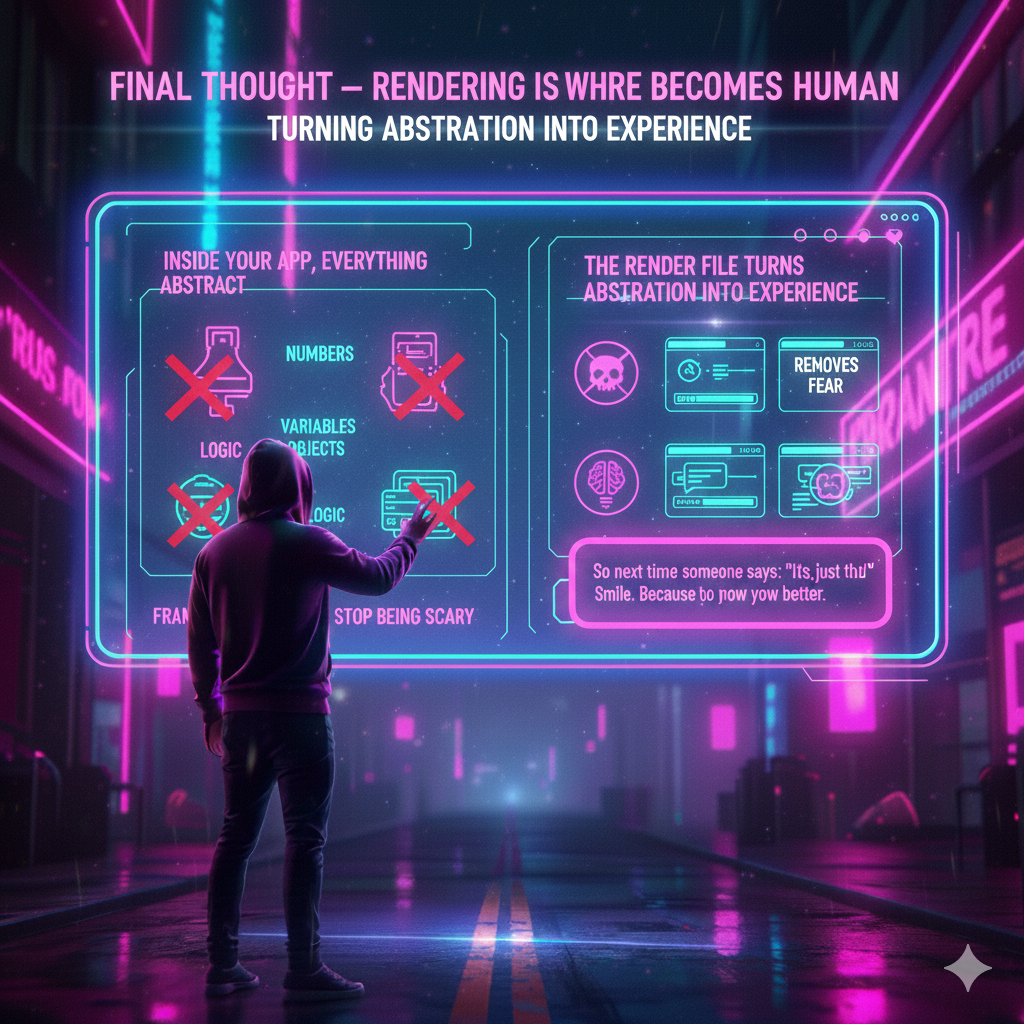
Inside your app, everything is abstract:
- numbers,
- variables,
- objects,
- logic.
The render file turns abstraction into experience.
It's the place where:
- invisible data becomes visible,
- logic becomes interaction,
- code becomes something people enjoy touching.
So next time someone says:
"It's just the UI"
Smile.
Because you know better.
What part of rendering clicked for you? Drop a comment below and let's talk about it.
#Rendering #AppDevelopment #UIDesign #StateManagement #ReactiveUI #AI-SymDev #LearnToCode #SoftwareEngineering #WebDev #MobileDev #DeveloperEducation
Rosa by Hands Projects (AI-SymDevGirl)